
Your care, between visits
Your appointment is not the only place your care happens. If it is useful for you, your plan, rehabilitation and progress can live in one place on your phone between visits.
This is not another program to sign up for. It is a simple way to keep the things we have discussed close at hand when you are back in the middle of normal life.
What is this?
It is your own space in the patient app. Your plan, exercises and a record of what you have been working on sit together, so you do not have to rely on a paper sheet or remember every detail from an appointment.
You can open it when you need it. It is there to make the next step clearer, not to give you another thing to manage.
What happens after your appointment?
When we decide there is something useful for you to do between visits, I can add it to your plan. You can then open the app at home, see what is there for today, and work through it in your own time.
That might be a rehabilitation exercise, a small daily habit, or simply a reminder of what we are working towards. The point is to make the plan easy to find when it is relevant, rather than leave you trying to recall it later.
What will I see in there?
The app is built around the practical parts of your care. Here are three examples from a demonstration account.
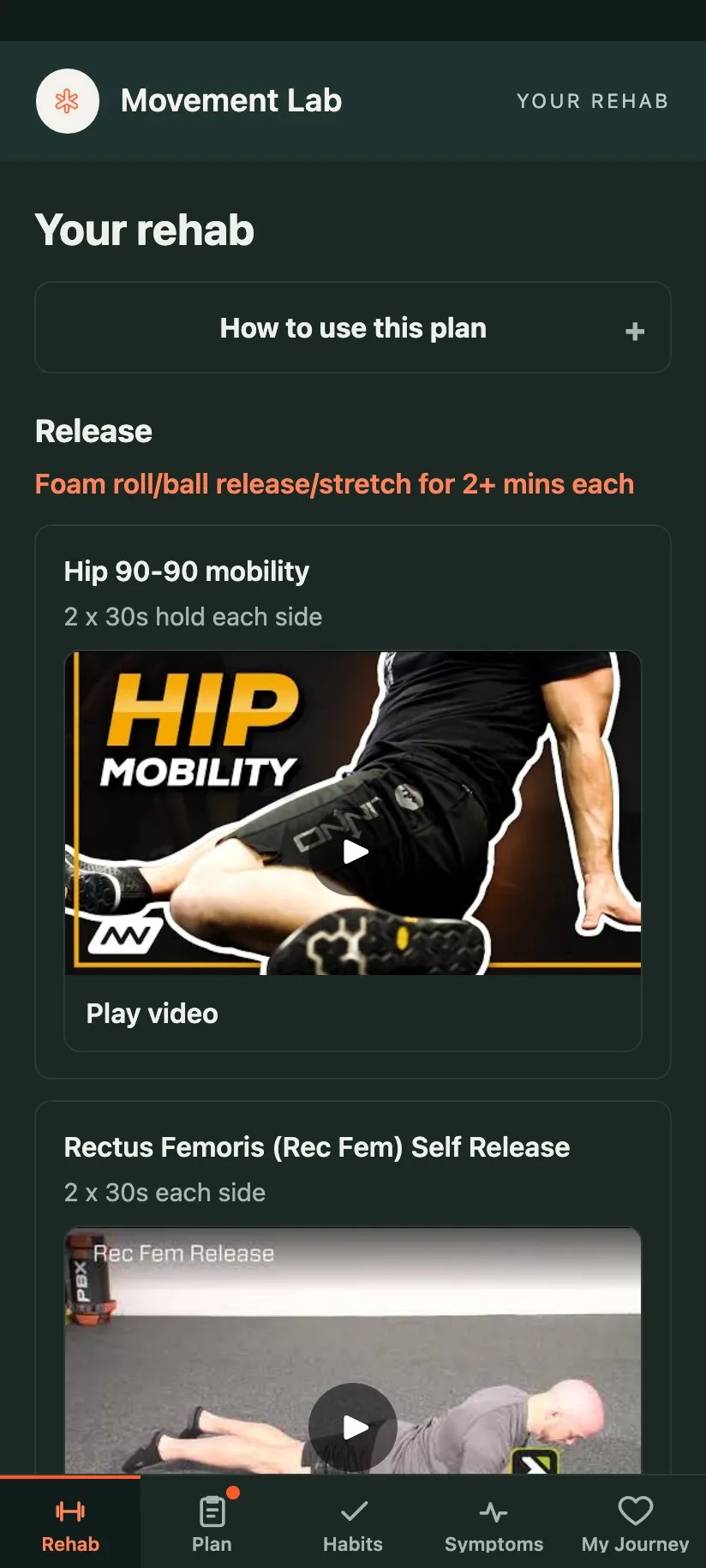
Your rehabilitation plan
Your exercises are shown with clear guidance, including how much to do and a video where one is available. You can come back to the same plan without hunting through old messages or trying to remember the order.
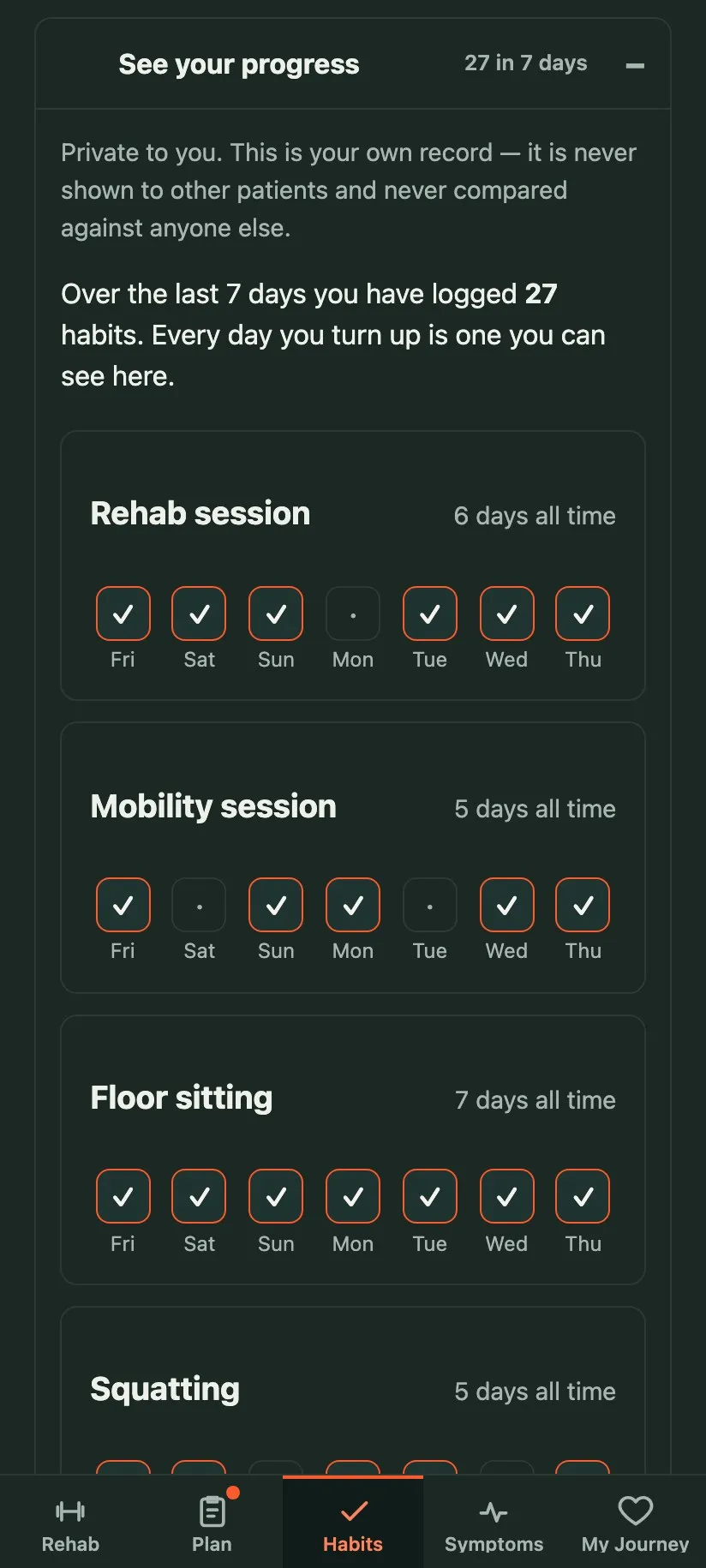
Habits and your progress
The Habits tab puts the small things you have chosen to work on in one place. Inside it, a progress section keeps a private record of what you have done over time, so changes are easier to notice than they are from memory alone.
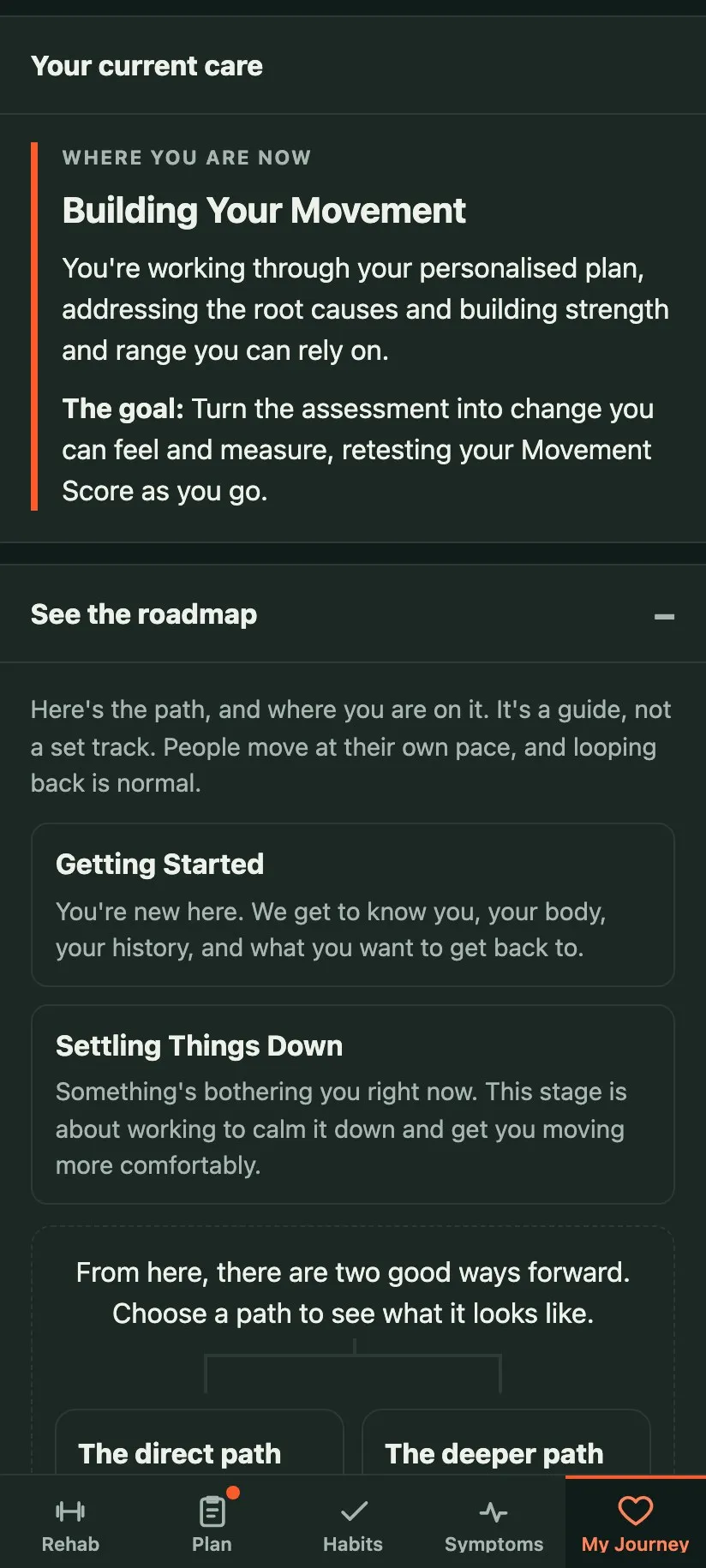
Your movement journey
Your journey view shows the stage your care is at and the broader direction of the plan. It is a guide, not a scorecard. You can see where you are without being treated as though there is one right way to move through care.
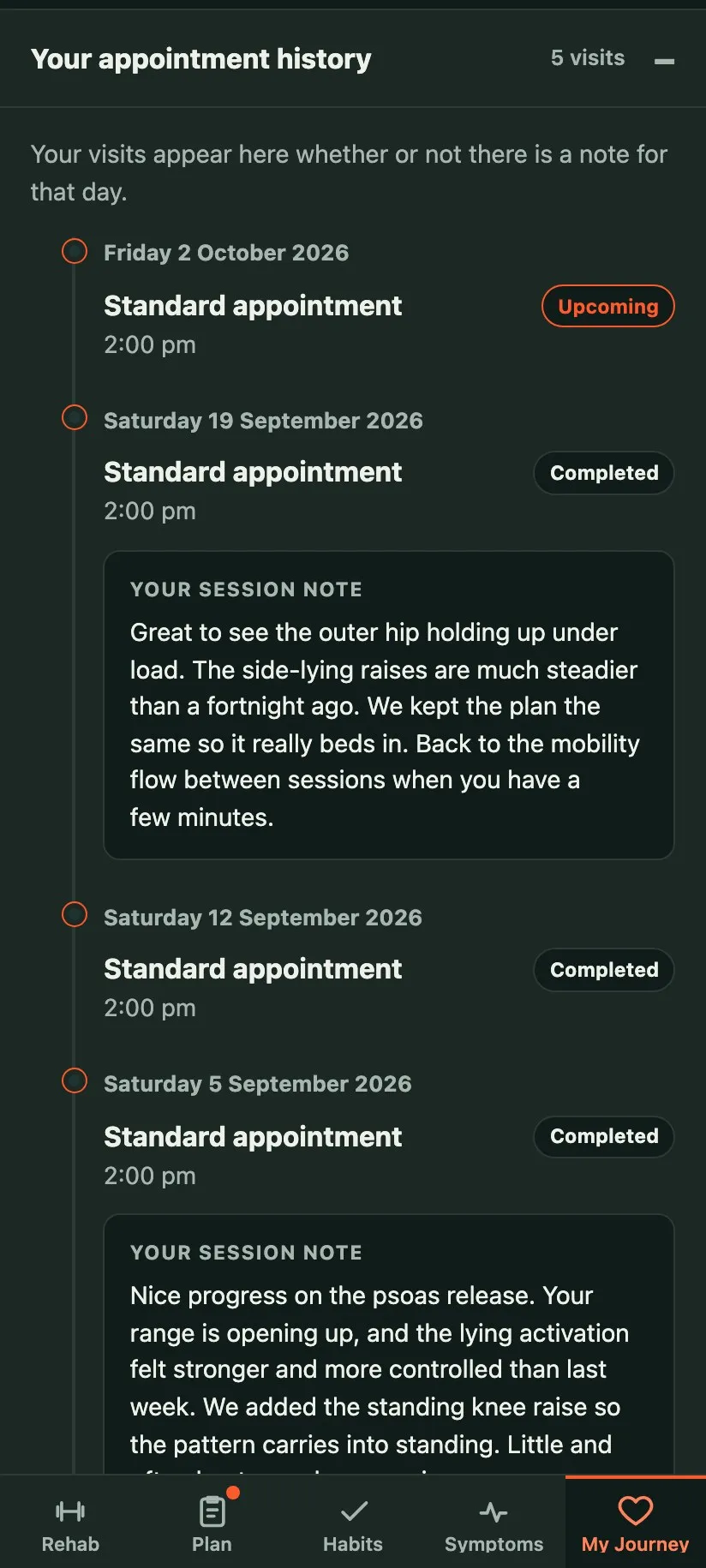
Further down the My Journey tab you will find Your appointment history, which lists every visit you have had rather than only the recent ones. A past visit can carry a note from me, shown as Your session note, covering what we worked on and what is worth doing before I see you next. Not every visit will have one, but when a note is there, what we talked about is not left to memory.
Where am I in my care?
Care does not always follow one fixed track. Once an immediate issue has settled, some people are happy with a lighter check-in rhythm. Others choose to take a deeper look at how they move and build a more detailed plan.
Both are valid. The journey view is there to show the route that makes sense for you now, and to make it clear that choosing one path does not close off the other later.
Do I have to use it?
No. Your care works without the app.
It is there because many people find it helpful to have their plan and progress in one easy-to-reach place. If it does not suit you, we can keep care simple and work in the way that makes sense for you.
How do I get in?
I set up access for patients who are using the app. Once you are set up, you can sign in from your phone or computer.
If you are already a patient and are not sure whether the app is part of your plan, ask at your next appointment.